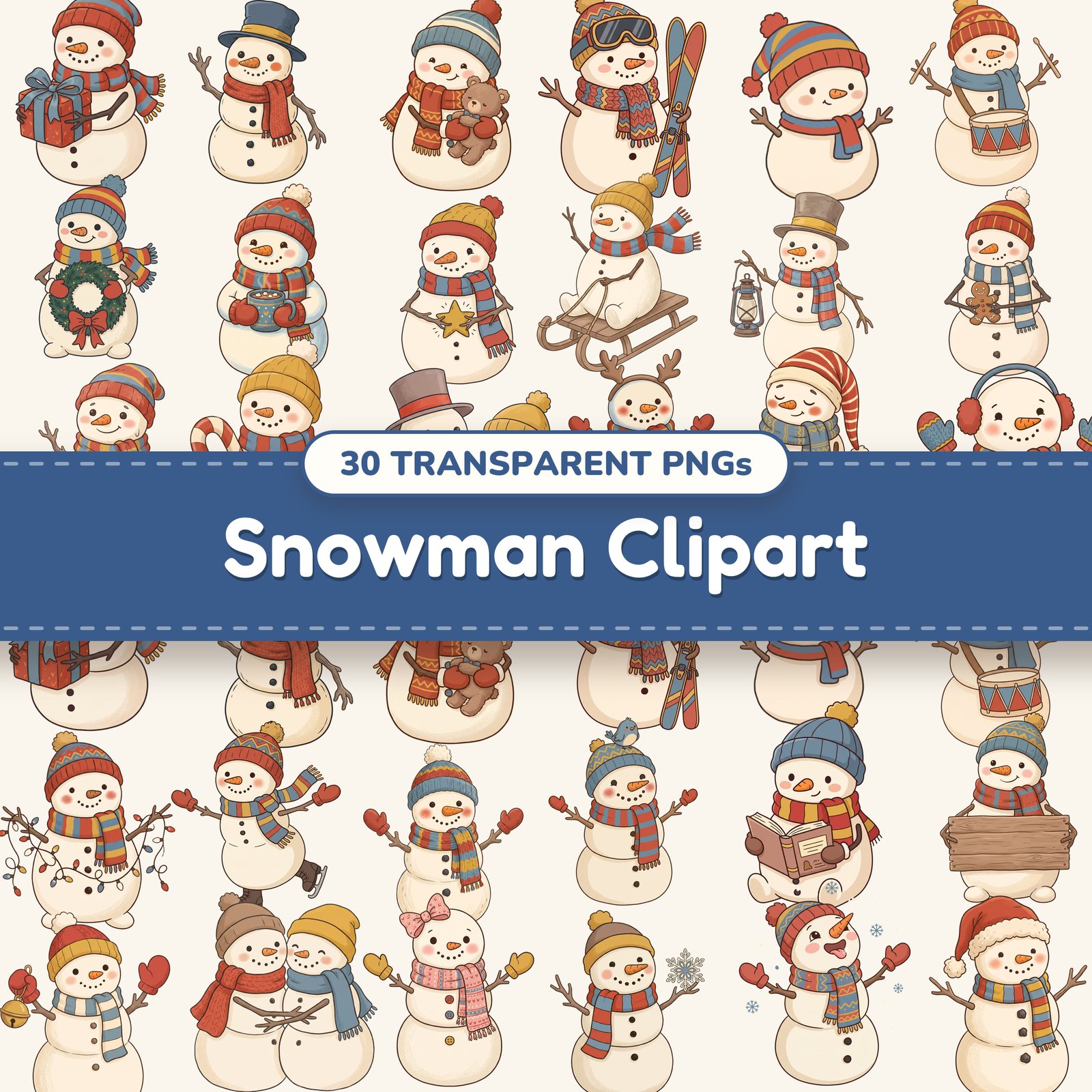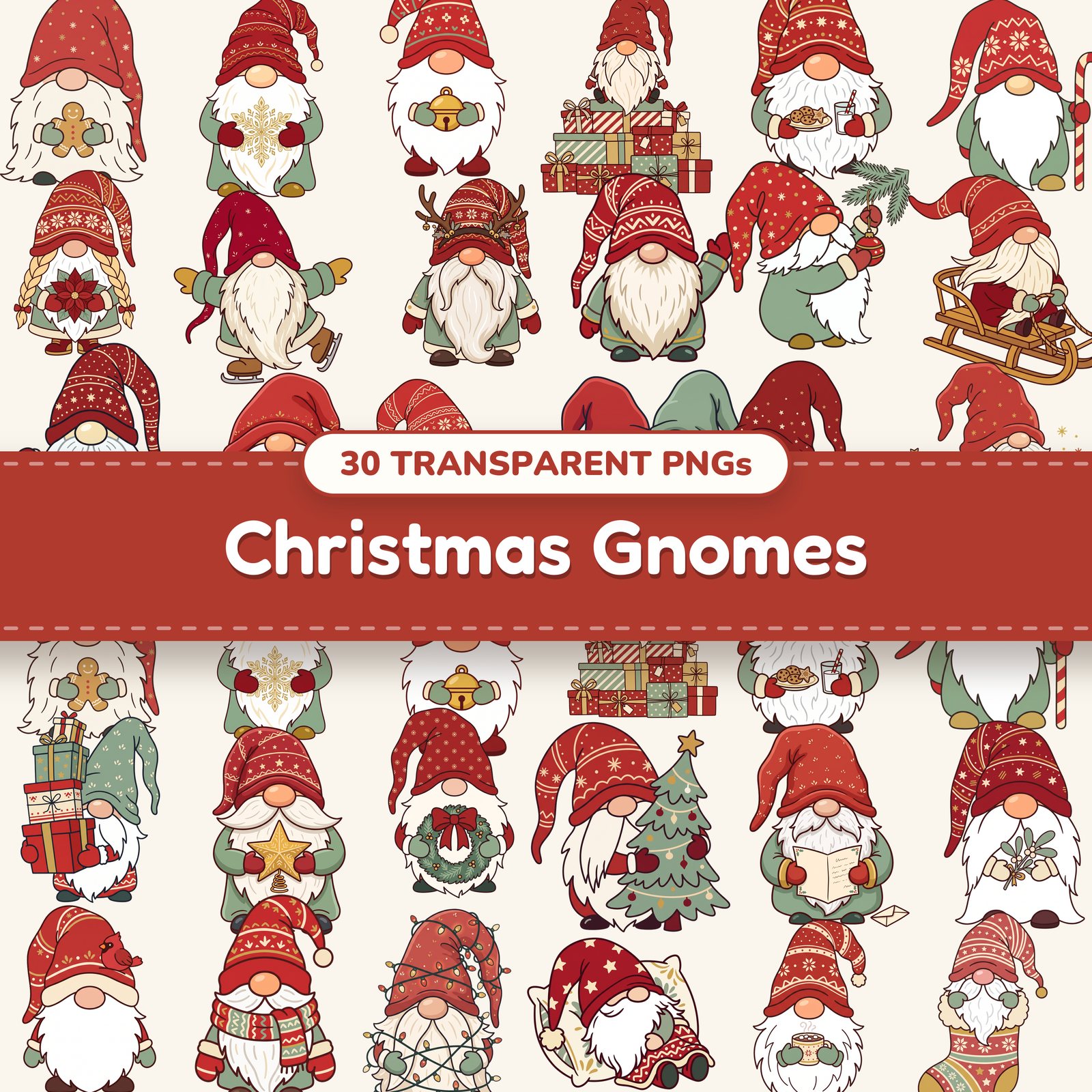
How to sublimate PNG clipart onto shirts and tumblers
Sublimation turns ink into a gas under heat and bonds it into polyester, so the design becomes part of the shirt or tumbler instead of sitting on top. Transparent PNG clipart is ideal for it: only the design prints, with no white box around it.
What you need
- •A sublimation printer with sublimation ink (a converted inkjet or a dedicated sublimation printer)
- •Sublimation paper
- •A heat press — or a tumbler press or sublimation oven for tumblers
- •Heat-resistant tape, butcher paper and a lint roller
- •Blanks made for sublimation: polyester shirts (the more polyester, the brighter) or sublimation-coated mugs and tumblers
Pick the right blank
Sublimation only bonds to polyester or a polyester coating, and there's no white ink — the blank's color shows through the design. White and light-colored blanks give the truest colors. On 100% cotton or dark shirts, use heat transfer vinyl or DTF transfers instead.
Step by step
- 1Unzip the download and open the PNG in your design program — Cricut Design Space, Canva, Silhouette Studio and Photoshop all keep the transparent background.
- 2Size the design for your blank. Our files are about 3,150 px on the long side, which prints sharp up to about 10.5 inches at 300 DPI — plenty for a shirt front or a 20 oz tumbler wrap.
- 3Mirror the image before printing. Sublimation transfers face down, so an unmirrored design (and any text) comes out backwards.
- 4Print on the bright white side of the sublimation paper at your printer's highest quality setting. The print will look dull — that's normal; the colors come alive in the press.
- 5Prep a shirt: lint-roll it, then press it for a few seconds to drive out moisture. Slip butcher paper inside so ink can't bleed through to the back.
- 6Tape the transfer face down where you want it, cover it with butcher paper, and press at the time, temperature and pressure your blank's maker recommends.
- 7When the time is up, lift the paper straight up in one motion. Sliding it smears the ink and leaves a faint double image.
Tumblers and mugs
- •Wrap the transfer tightly around the tumbler and tape both seams so there are no gaps — loose paper gives blurry patches.
- •Shrink wrap over the paper holds it snug if you're using an oven.
- •Times vary a lot between tumbler brands and presses, so follow the blank's instructions and test on one before a batch.
If something goes wrong
- •Faded colors: the shirt has too little polyester, or the press was too cool or too short.
- •Blurry or doubled edges: the paper shifted. Use more tape and lift straight up.
- •Brown or yellow scorch marks: the temperature was too high — lower it and pre-press for less time.
- •Ink on the back of the shirt: you forgot the butcher paper inside.
Selling what you make
Our clipart bundles include commercial use, so you can sell shirts, mugs and tumblers you sublimate with them. What you can't do is sell or share the PNG files themselves — our guide to what commercial use means covers the details.